How to Organize Your Freelance Business in 2026: The Complete System
If you're a freelancer in 2026, you already know the feeling: a client message buried in your inbox, an invoice you forgot to send, a project deadline that snuck up on you, and a password for a client's server sitting in a random notes app somewhere.
None of this happens because you're bad at your job. It happens because most freelancers never actually build a business — they just start doing client work and let the admin pile up around them.
Organizing your freelance business isn't about becoming a productivity guru or color-coding your calendar. It's about putting a small number of simple systems in place so that clients, projects, money, and assets don't depend on your memory. This guide walks through exactly how to do that — step by step — using a framework that works whether you're a designer, developer, consultant, or content creator.
Why Most Freelancers Feel Disorganized
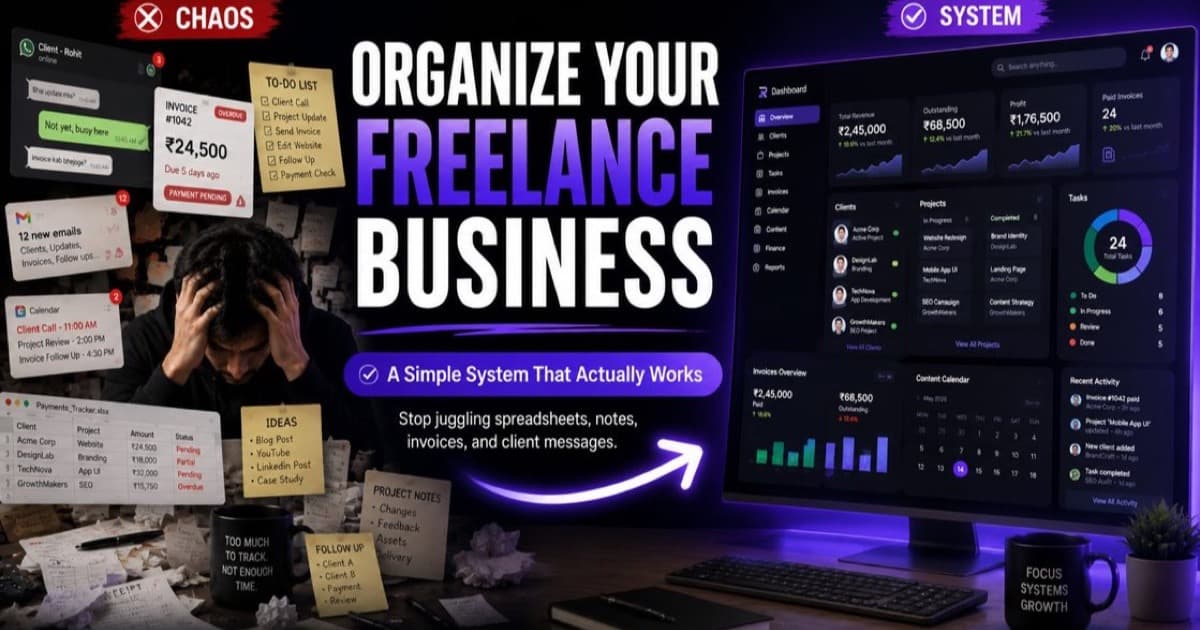
The core problem isn't a lack of discipline. It's tool sprawl. The average freelancer is juggling:
- A CRM or spreadsheet for client tracking
- A task manager for projects (Trello, Asana, or Todoist)
- A separate billing software for invoices
- A notes app or document for content, ideas, and scratchpads
- A password manager for client credentials
- A banking app or Excel sheet for income and expenses
- A calendar to track domain and hosting renewals
Each tool solves one problem in isolation, but none of them talk to each other. So you end up doing the same work twice — updating a client's status in three different places — or worse, forgetting to update it anywhere. This is how invoices get missed, renewals lapse, and client relationships quietly erode.
The fix isn't "trying harder." It's reducing the number of places your business lives down to as few as possible, and making sure those places are connected.
Step 1: Organize Clients
Clients are the foundation everything else connects to. At minimum, your client system should track:
- Contact details and communication history
- Active vs. past vs. prospect status
- Notes specific to that relationship (preferences, rates, contract terms)
- Linked projects and invoices
If you're still managing clients through email threads and memory, this is the first thing to fix. A simple client list with tags for status ("Active," "Onboarding," "In Review") gives you an instant snapshot of where your business actually stands.
Step 2: Manage Projects and Tasks
Projects are where client work turns into deliverables. The goal here isn't a complicated project management system — it's visibility. You should be able to answer, at a glance, "What's due this week, and for whom?"
A simple checklist-based system tied to each client and project beats an elaborate Gantt chart for most solo operators. Daily priorities, not sprawling roadmaps, are what keep freelance work moving. Linking your daily tasks directly to your client list ensures you never lose context.
Step 3: Track Invoices
This is the pillar that directly affects your income, yet it's often the most neglected. In 2026, with GST and tax compliance tightening across freelance markets, manual invoicing — built from scratch in a doc or spreadsheet every time — is a liability, not just an inconvenience.
An organized invoicing system should:
- Generate professional, tax-compliant invoices automatically (especially when simplifying GST invoicing for Indian freelancers)
- Track draft, sent, and paid status per client
- Calculate VAT/GST without manual math
- Give you a running total of pending vs. collected revenue
Step 4: Store Passwords Securely
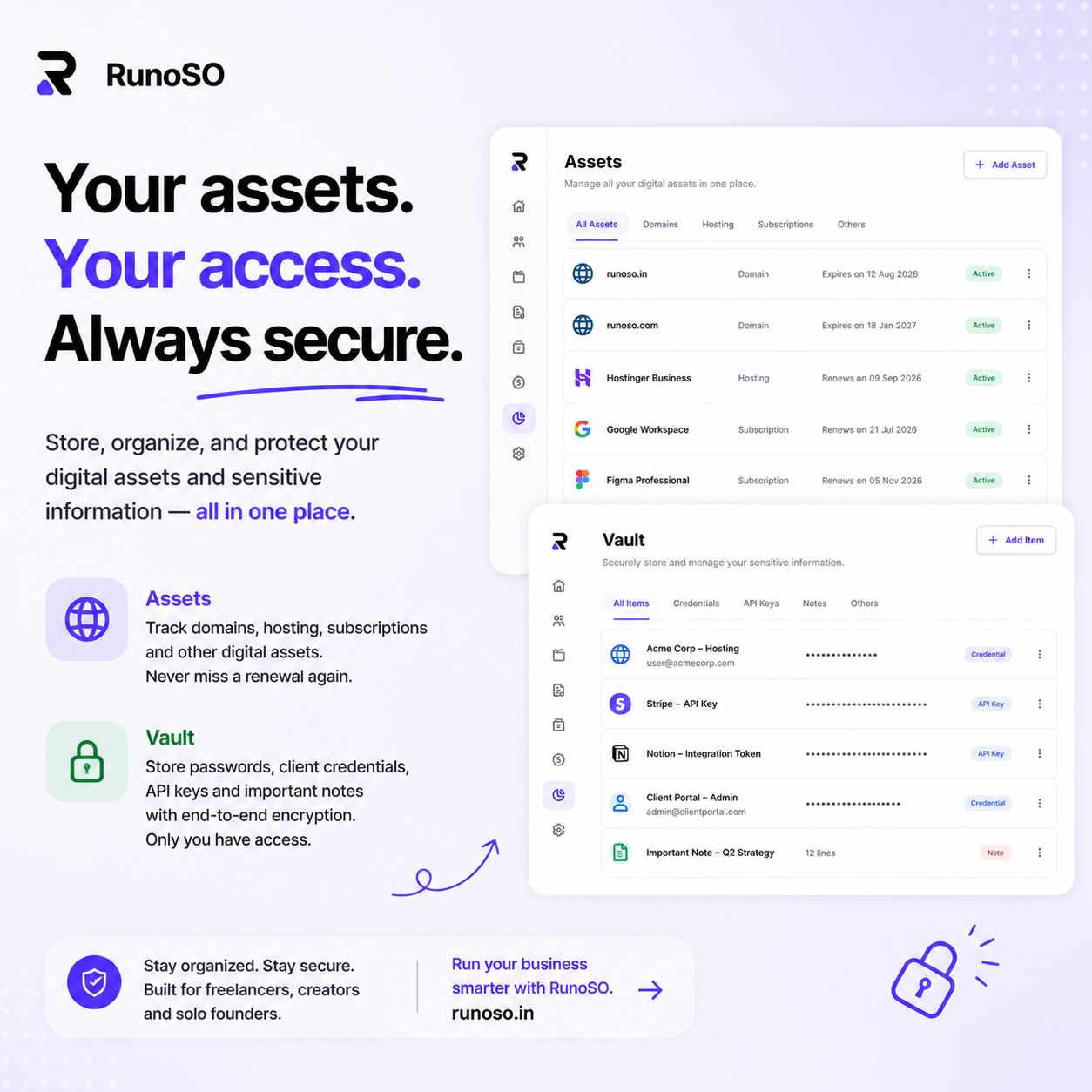
As a freelancer, you're trusted with client passwords, API keys, staging server credentials, and database logins. Storing these in plain text in a notes app, Google Doc, or sending them over Slack is a security risk.
An organized business needs a dedicated, secure credential vault. Ideally, this should be:
- Encrypted client-side so only you have access (zero-knowledge)
- Organised by client, so you aren't hunting for credentials when a client requests support
- Separated from your personal password manager to keep business boundaries clean
Step 5: Track Domains and Renewals
This is the pillar freelancers overlook most. It covers your digital assets — domains, hosting plans, SSL certificates, and software subscriptions — that quietly renew or expire in the background. A missed domain renewal or an expired SSL certificate can take down a client's website and cost you a relationship overnight.
Set up a system that:
- Lists all active domains and subscriptions
- Triggers reminders at 30, 7, and 1 day before renewal
- Pairs each subscription with the respective client project so you know what is billable
How I Went From 7 Different Tools to One Business Operating System
When I first started freelancing, my business was duct-taped together. I had client info in Notion, project cards in Trello, invoices in a Google Doc, passwords in 1Password, and finance metrics in Google Sheets.
One day, I missed a major domain renewal, taking a client's e-commerce store offline. That was the turning point. I realized tool sprawl wasn't just annoying — it was actively harming my business's reliability.
I set out to build a consolidated workspace that brought everything under one roof: client records, tasks, billing, content, passwords, and finance charts. That's why I created RunoSO. By combining all these systems into a single dashboard, I eliminated the friction of switching between apps and ensured that a client update in one place synced everywhere. You can explore the core modules on our features page to see how they connect.
Create a Business Operating System
To scale beyond trading time for money, you must treat your freelance operations as an operating system. A unified workspace doesn't just save time; it gives you the mental clarity to focus on high-value client work.
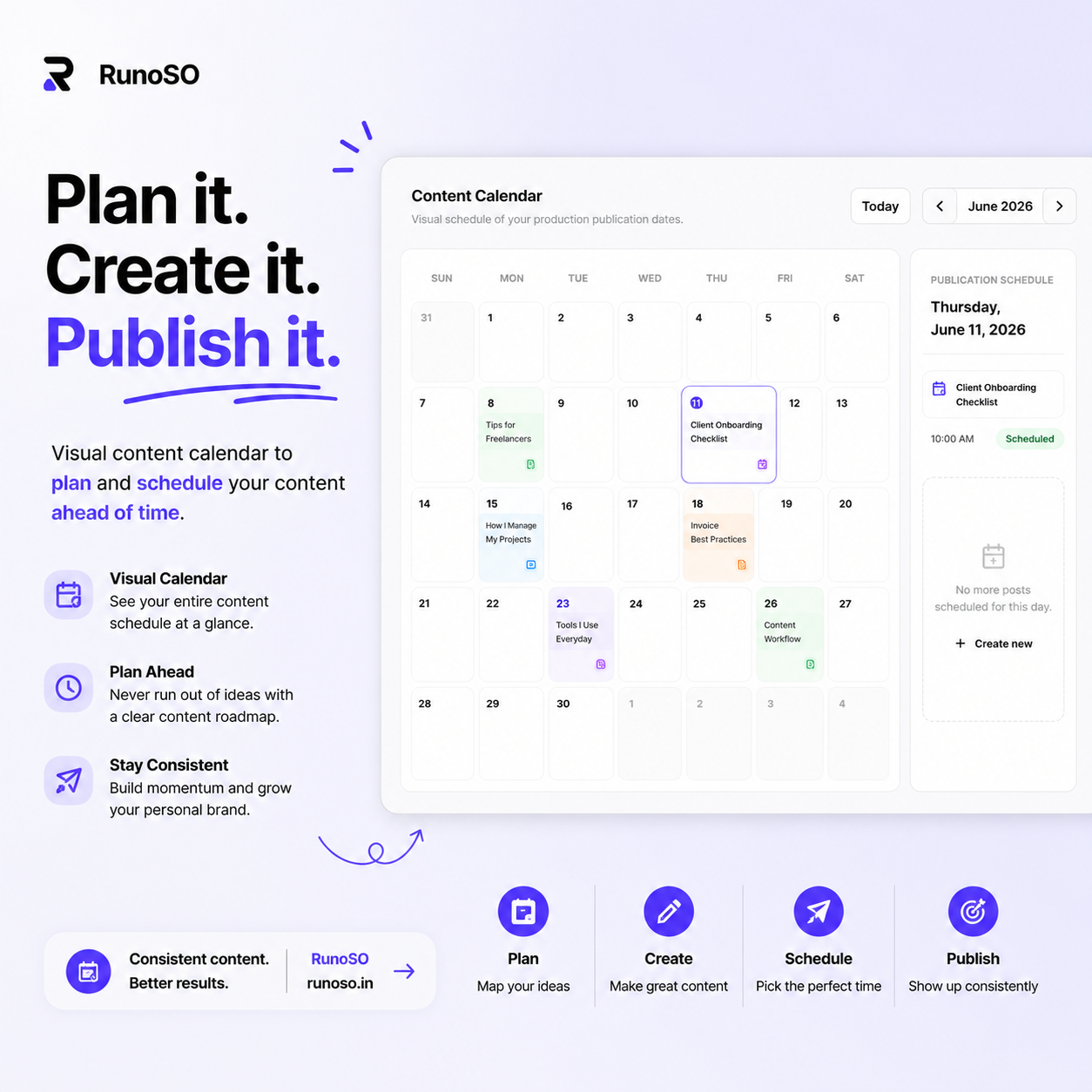
For instance, you can run a structured, visual content pipeline to keep your lead generation active while managing your clients, and review your critical financial metrics weekly to understand if you are profitable. A 15-minute weekly review is all it takes to keep your business operating system current.
Frequently Asked Questions
How do freelancers stay organized?
Freelancers stay organized by consolidating their operations. Instead of using separate tools for invoicing, password vaults, tasks, and client details, they use a unified business operating system that connects all these elements.
What software do freelancers need?
At a minimum, freelancers need client management (CRM), project tracking, tax-compliant invoicing, a secure password vault for client credentials, and a way to monitor income/expenses.
Should freelancers use spreadsheets?
Spreadsheets are great for raw data, but they quickly fall apart as a system. They lack automatic relations (e.g., tying an invoice status directly to a task or a password), are prone to manual errors, and cannot handle secure encryption for credentials.
How do I track client invoices?
You should track invoices by linking them directly to client profiles. Your system should automatically categorize them as "Draft," "Sent," "Overdue," or "Paid," and aggregate them into a dashboard so you have real-time visibility into pending payments.
Keep Reading
- Keep reading: 5 systems successful freelancers use.
- Next pillar: client management without CRM bloat.