There's a particular kind of freelancer you've probably encountered — maybe hired, maybe competed against. Their proposals arrive on time. Their invoices show up the day the milestone is done. They remember details about your project you forgot you mentioned. They never seem overwhelmed, even when juggling five clients at once.
The temptation is to assume they're just better — more disciplined, more talented, wired differently. But after years of freelancing and talking to dozens of solo operators who consistently deliver, I've found the truth is much more boring: they have systems. You have intentions.
That's it. The gap between a stressed freelancer and a successful one is rarely talent. It's infrastructure.
This article breaks down the specific systems — not vague "be more productive" advice — that organized freelancers actually use to stay on top of everything without burning out.
The Myth of the Naturally Organized Freelancer
Let's kill this myth immediately: nobody is naturally organized at running a business. Some people are naturally tidy. Some people like lists. But organizing a freelance business — where you are simultaneously the CEO, the sales team, the project manager, the accountant, and the person who actually does the work — is a skill that gets built through repetition and systems.
The freelancers who look effortlessly organized have simply done the work of setting up repeatable processes. They don't wake up each morning deciding how to structure their day. They've already decided. Once. And now they follow the structure.
The system does the organizing. The freelancer does the work.
System #1: The Single Client Record
Every organized freelancer I know has one non-negotiable rule: every piece of client information lives in one place.
Not "their email is in Gmail, their contract terms are in a Google Doc, their server password is in a Slack DM, and their invoice history is in FreshBooks." One record. One source of truth.
That client record includes:
- Contact details — name, email, phone, company, timezone
- Relationship status — Active, Onboarding, Paused, Completed
- Project history — every project, its scope, status, and deliverables
- Financial history — every invoice, paid or pending
- Notes — preferences, communication style, contract terms, red flags
- Credentials — server access, API keys, hosting details (encrypted, obviously)
When a client calls, you don't scramble across six apps. You open their record and everything is there.
This sounds simple. It is. But most freelancers never do it, because setting up a proper client record requires committing to one system instead of letting information scatter across whatever tool was open at the time.
In RunoSO, the client record is the hub that connects to projects, invoices, vault credentials, and financial transactions. Update something in one place, and it's updated everywhere. No manual syncing. No reconciliation Fridays.
System #2: Task Ownership, Not Task Lists
Here's where most freelancers go wrong with organization: they create a master to-do list. A single, ever-growing, context-free list of everything they need to do.
By Wednesday, it has 47 items. Some are urgent. Some are "someday." Some are from a project that ended two months ago. The list becomes a source of anxiety instead of clarity, so they stop looking at it.
Successful freelancers don't use master lists. They use task ownership — every task belongs to a specific client and project. There is no orphan task floating in the void.
This changes everything:
- "Write homepage copy" becomes "Client: Sharma Studios → Project: Website Redesign → Task: Write homepage copy (due Friday)"
- When you sit down to work, you don't scan a list of 47 items. You look at today's client priorities and work through them.
- When a client asks "where are we on the project?", you filter by their name and give them an instant status update.
The key insight: context is what makes tasks actionable. A task without a client and deadline is just a wish.
RunoSO's task system is built around this principle. Every task is linked to a project and a client. Your daily view shows only what's due today, and your backlog is organized by project — not dumped into a single pile.
System #3: The Weekly Business Review
This is the habit that separates freelancers who react to problems from freelancers who prevent them.
Every Sunday evening or Monday morning, organized freelancers spend 15–20 minutes reviewing their entire business. Not their tasks — their business. The review covers:
- Revenue check — How much came in this week? How much is outstanding? Are there invoices more than 14 days overdue?
- Pipeline review — Which projects are finishing this week? Which ones start next week? Is there a gap?
- Client pulse — Is any client going quiet? Is anyone overdue for a check-in?
- Renewals and deadlines — Are any domains, hosting plans, or subscriptions expiring in the next 30 days?
- Financial health — Am I on track for this month's income target? Are expenses creeping up?
This 15-minute ritual catches problems before they become crises. A client who hasn't responded in 10 days gets a polite follow-up before they ghost you. An invoice that's 20 days overdue gets a reminder before it becomes awkward. A domain that expires in 12 days gets renewed before the site goes down at 2 AM.
Most freelancers skip this entirely because their data is scattered across seven tools, and pulling together a weekly review would take an hour of tab-switching and mental math. That's the real cost of fragmentation — it doesn't just waste time, it discourages the review habits that keep a business healthy.
When your financial dashboard, client statuses, pending invoices, and renewal dates are all visible from one screen, a weekly review takes 15 minutes instead of an hour. That's the difference between a habit that sticks and one that dies after two weeks.
System #4: Template Everything That Repeats
Successful freelancers are ruthlessly efficient about repetition. Anything they do more than three times becomes a template:
- Invoice templates — Business details, tax information, line item structure, and payment terms pre-filled. Creating an invoice takes 90 seconds, not 35 minutes.
- Project kickoff templates — Standard milestones, deliverables, and communication cadence for each type of project.
- Email templates — Proposal follow-ups, project update emails, payment reminders, and onboarding messages.
- Onboarding checklists — A repeatable list of what happens when a new client signs on: set up their record, create the project, collect credentials, send the welcome email, generate the first invoice.
The goal isn't to automate everything. It's to remove the decision overhead from routine tasks so your creative energy goes toward the work that matters.
In RunoSO, your invoice settings are configured once — business name, GSTIN, bank details, invoice theme, numbering format — and every invoice you generate inherits them automatically. The same principle applies to project structures and client onboarding flows.
System #5: Secure Credential Management
This system is invisible when it works and catastrophic when it fails.
Every freelancer who manages client websites, servers, or SaaS accounts accumulates dozens — sometimes hundreds — of passwords, API keys, SSH credentials, and admin logins. The question is where they store them:
- Level 1 (Dangerous): Slack DMs, email threads, sticky notes,
.txtfiles on the desktop - Level 2 (Better): A dedicated password manager like 1Password or Bitwarden
- Level 3 (Integrated): An encrypted vault that's linked to the client and project the credentials belong to
Most freelancers are at Level 1 or 2. The problem with Level 2 is that your password manager is disconnected from everything else. You store "Sharma Studios FTP credentials" in 1Password, but there's no link to the actual client record, the project, or the hosting asset it belongs to.
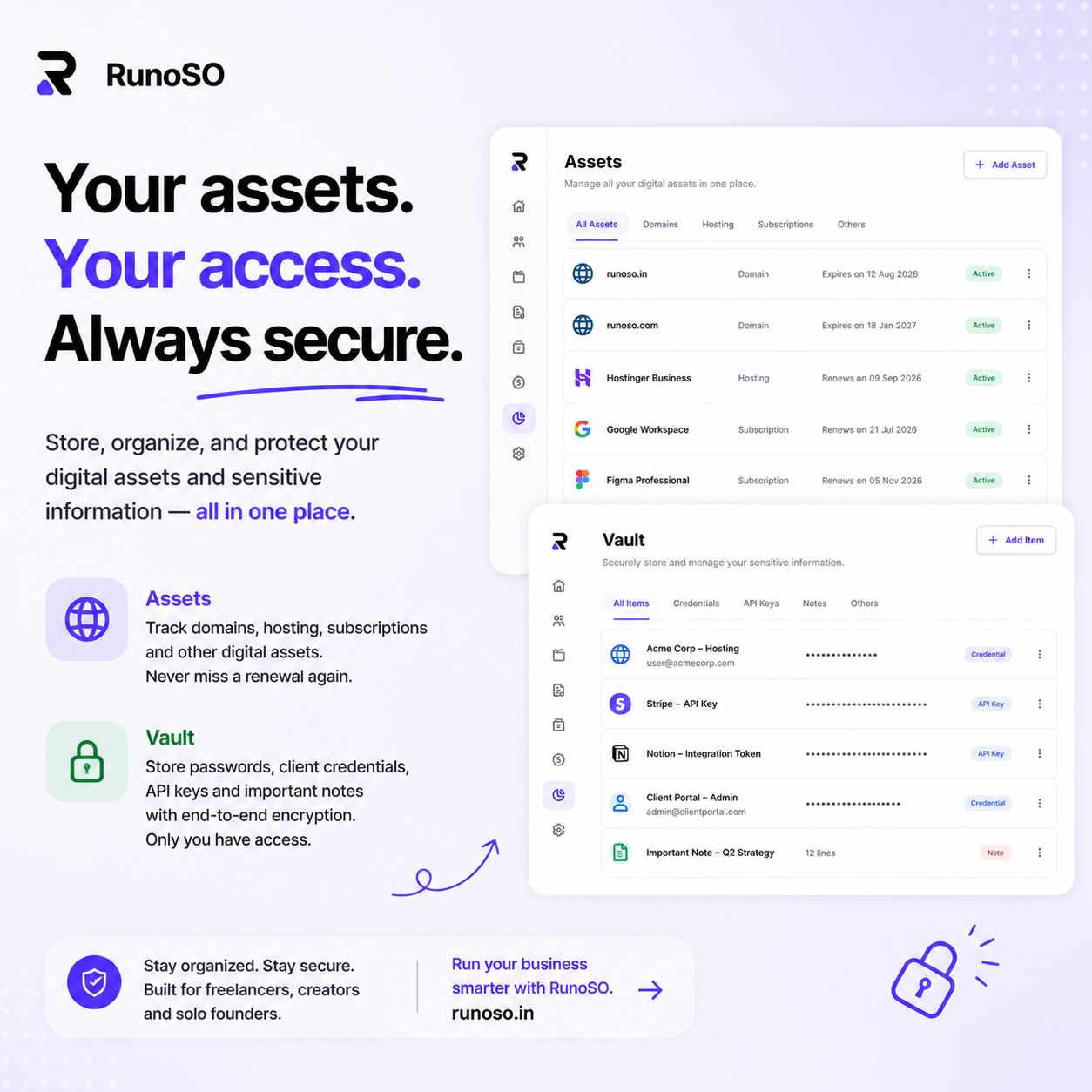
In RunoSO, the Vault stores credentials with client-side encryption — your master key never touches the server — and every credential is linked to the client it belongs to. When you open a client's record, their vault items are right there. No context switching. No searching through a flat list of 200 passwords.
System #6: Financial Visibility, Not Just Bookkeeping
The last system is the one that makes the difference between a freelancer who's busy and a freelancer who's profitable.
Most freelancers track revenue. Fewer track expenses. Almost none track profitability per client or revenue trends over time.
Here's what financially organized freelancers track:
- Monthly income vs. expenses — Not just "how much I invoiced" but "how much actually came in, minus what went out."
- Outstanding receivables — How much money is sitting in unpaid invoices? Is it growing?
- Client concentration risk — Is 70% of your revenue coming from one client? That's not a business — it's a job with extra steps.
- Expense categories — Are tool subscriptions, hosting costs, or subcontractor fees growing faster than revenue?
This isn't about being a finance nerd. It's about answering the question every freelancer should be able to answer at any moment: "Is my business actually making money, or am I just keeping busy?"
RunoSO's finance dashboard shows income vs. expenses, monthly trends, investment performance, and category breakdowns — all updated in real time from your actual transaction data. No spreadsheets. No end-of-month reconciliation panic.
The Common Thread: Connection Over Collection
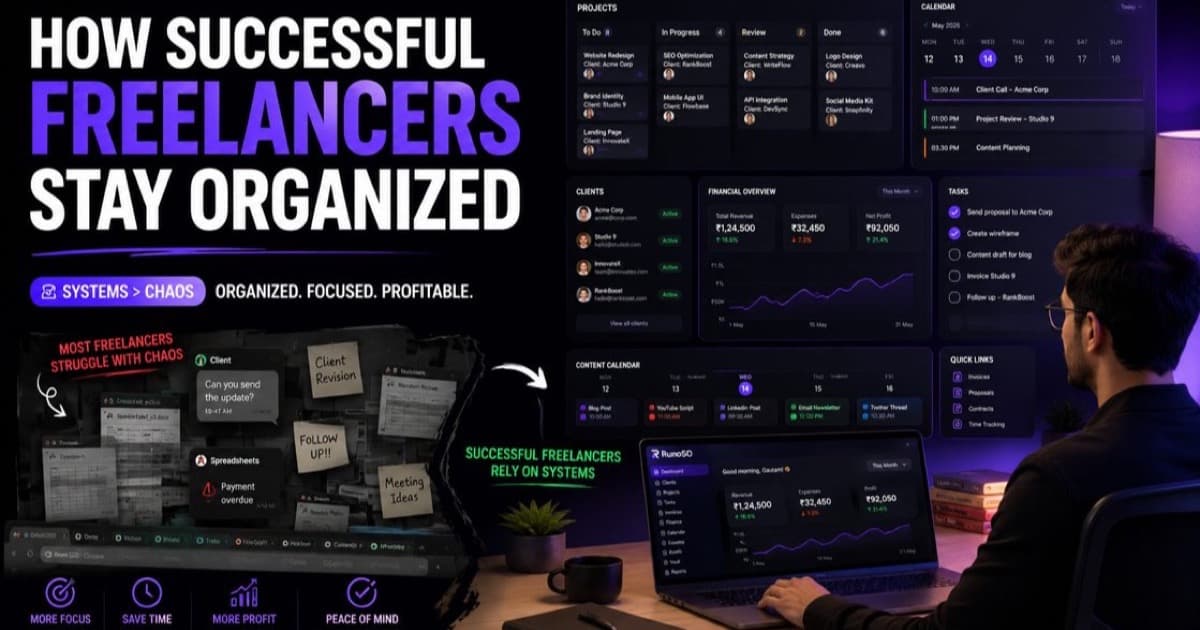
If you look at all six systems, the pattern is clear: successful freelancers don't collect more tools — they connect the tools they have.
Client records connect to projects. Projects connect to tasks. Tasks connect to deadlines. Invoices connect to clients and projects. Credentials connect to the client they serve. Financial data connects to everything.
The fragmentation problem — the reason most freelancers feel perpetually behind — isn't caused by a lack of discipline or the wrong app. It's caused by running a business across disconnected systems that don't share context.
The fix isn't trying harder. It's reducing the number of systems to the minimum and making sure they actually talk to each other.
What to Do This Week
- Pick one system from this list that you don't currently have in place. Set it up this week.
- Audit your client records. Can you find every client's contact details, project status, invoice history, and credentials from one place? If not, that's your starting point.
- Schedule your first weekly review. Put 20 minutes on your calendar for next Monday morning. Check your revenue, pipeline, and renewals. See how it feels to have visibility instead of guesswork.
- Try a connected workspace. Set up one client in RunoSO — their projects, an invoice, their vault credentials — and experience what it feels like when everything is linked. The difference is immediate.
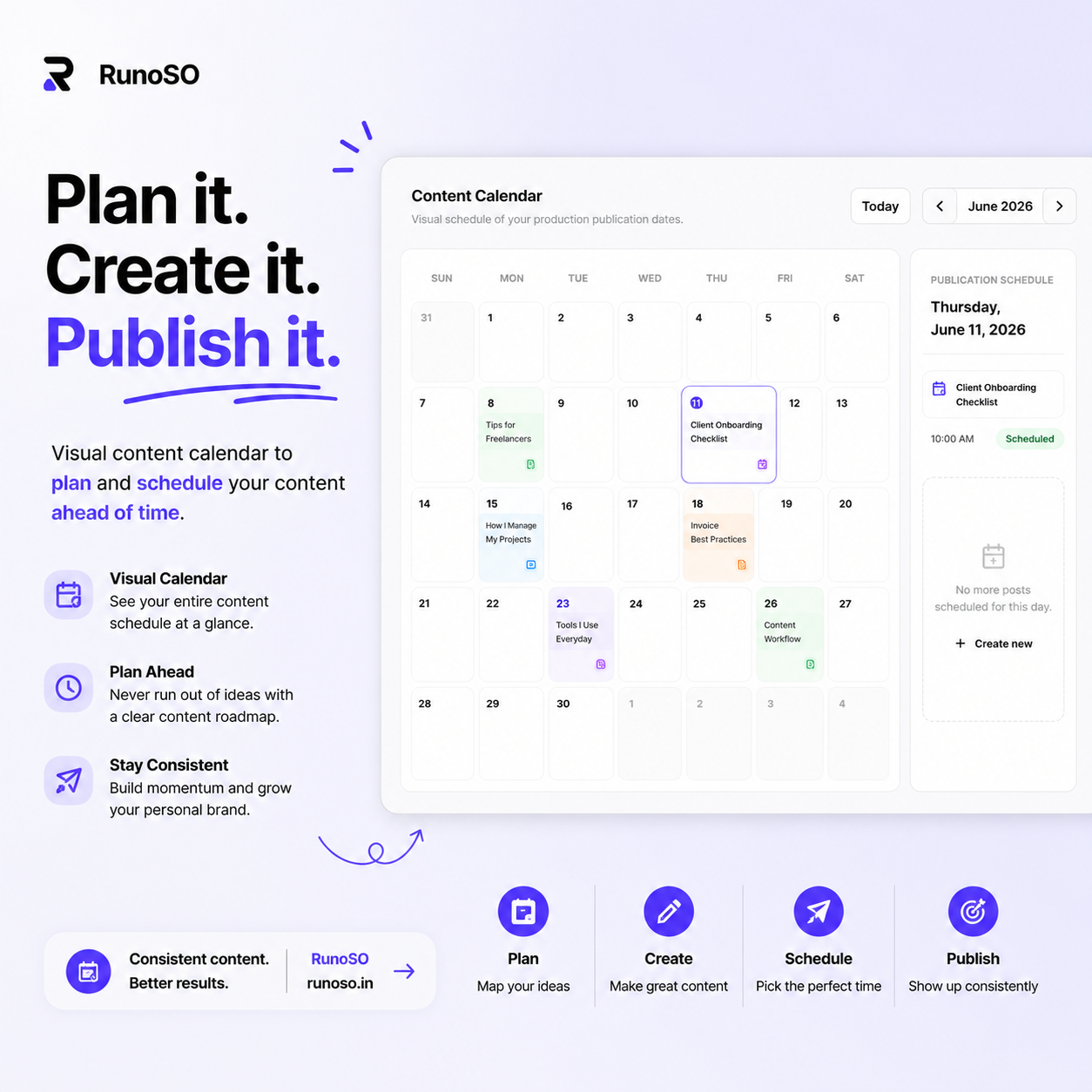
RunoSO is a personal business operating system for freelancers — clients, projects, invoicing, encrypted vault, content pipeline, digital assets, and financial tracking, all connected in a single dashboard.
The systems behind consistent work aren't complicated. They're connected.
I share real systems, real numbers, and real mistakes from running a solo SaaS business on X (Twitter). Follow along if you're building something.
Keep Reading
- Start with foundations: how to organize your freelance business.
- Systemize clients: client management simple system.
- Tools that support it: RunoSO features.