Here's a scenario every freelancer has lived through at least once:
A past client emails you out of the blue. They want to restart a project you worked on eight months ago. They reference specific deliverables, a custom rate you'd agreed to, and a particular revision to the contract you'd discussed over a call.
You remember none of it.
You search your email. You find 47 threads with their name, scattered across months, mixed in with other client conversations. The rate is mentioned in one thread. The revision is in another. The project scope is in a Google Doc you can't find. Their server credentials are in a Slack DM from a channel you've since left.
You spend 45 minutes piecing together a basic understanding of the relationship. The client, meanwhile, wonders why you seem to have forgotten everything about working together.
This is what happens when you manage clients through memory and scattered tools instead of a system.
Why Freelancers Need Client Management (But Not a CRM)
Let's be clear about what we're talking about. "Client management" for a freelancer doesn't mean HubSpot. It doesn't mean Salesforce. Enterprise CRMs are built for sales teams with pipelines, lead scoring, and marketing automation. As a freelancer, you need approximately zero of that.
What you need is much simpler — and much more specific:
- One place to find everything about a client — contact info, project history, invoices, notes, credentials
- A way to track relationship status — Active, Onboarding, Paused, Completed, Prospect
- Linked context — projects, invoices, and credentials that belong to each client should be accessible from their record
- Memory augmentation — notes about preferences, rates, communication style, and important details you'll forget in three months
That's it. Not a sales funnel. Not lead nurturing. Just a reliable system that answers: "What's the full picture with this client, right now?"
The Cost of Not Having a System
Before building a proper client management approach, it helps to quantify what the current chaos actually costs:
Lost Revenue from Missed Follow-Ups
Research consistently shows that 80% of deals require at least five follow-up contacts, but 44% of professionals give up after one. For freelancers, this isn't about "deals" — it's about the client who said "Let me think about it" three weeks ago, and you never circled back because it fell out of your inbox and your memory.
A freelancer managing 8–12 clients at various stages can easily have 3–4 pending follow-ups at any time. Without a system to surface them, those follow-ups simply don't happen. Over a year, that's potentially tens of thousands in revenue that quietly evaporates.
Damaged Professional Perception
When you can't recall a client's project details, contract terms, or past conversations, it signals one of two things: you're disorganized, or you don't care. Neither is good for retention or referrals.
The freelancers who get the best referrals aren't necessarily the most talented — they're the ones who make clients feel remembered. "I know you prefer Friday delivery" or "Last time we used a 45-day payment term — want to keep that?" These details build trust. And they come from notes, not memory.
Time Wasted on Archaeological Digs
Every time you dig through email, Slack, Google Docs, and spreadsheets to reconstruct a client relationship, you're spending 20–45 minutes on work that should take 10 seconds: opening a client record and reading what's there.
If you do this even twice a week, that's 80–180 minutes of weekly overhead. Over a year, that's 70–150 hours. At a modest rate of ₹1,500/hour, you're burning ₹1–2 lakhs per year on information retrieval.
Building Your Client Management System: What Actually Works
Here's the framework. It doesn't matter whether you use a tool, a spreadsheet, or a napkin — the structure is what matters.
Layer 1: The Client Record
Every client gets one record. This is the atomic unit of your system. It contains:
Identity Block
- Full name / Company name
- Primary email and phone
- Secondary contact (if applicable)
- Timezone and preferred communication channel
- Website / social profiles
Relationship Block
- Status: Prospect → Onboarding → Active → Paused → Completed
- How they found you (referral, organic, social, cold outreach)
- Contract terms (monthly retainer, per-project, hourly)
- Agreed rate and payment terms
- Start date of the relationship
Notes Block
- Freeform notes about preferences, communication style, and important context
- "Prefers email over Slack"
- "Always wants to review before the client does"
- "Invoice by the 1st; pays NET-15"
- "Sensitive about budget discussions — lead with value"
These notes are the difference between a professional relationship and a transactional one.
Layer 2: Linked Projects
Every project you've ever done for a client should be visible from their record. Not in a separate project tracker — linked directly.
For each project:
- Project name and description
- Status: Planning → Active → In Review → Completed
- Key deliverables and milestones
- Start and end dates
- Budget / quoted amount
This gives you instant history. When a client asks "Can we do something similar to what we did last year?", you don't hunt through old files. You open their record, scroll to their project history, and reference the specifics.
Layer 3: Linked Invoices
Every invoice you've ever sent to a client should appear on their record, showing:
- Invoice number and date
- Amount and currency
- Status: Draft → Sent → Paid → Overdue
- Payment date (if paid)
This turns a simple client lookup into a financial snapshot. You can instantly see: "This client owes me ₹75,000 across two invoices, one of which is 22 days overdue."
Without this link, you're manually cross-referencing between your invoicing tool and whatever system holds your client info. That cross-referencing is where things fall through the cracks.
Layer 4: Linked Credentials
If you manage a client's website, server, hosting, or any digital account, the credentials for those services should be stored securely and linked to the client record.
Not in a Slack DM. Not in a shared Google Sheet. Not in a "passwords.txt" file on your desktop.
In an encrypted vault, linked to the client they belong to.
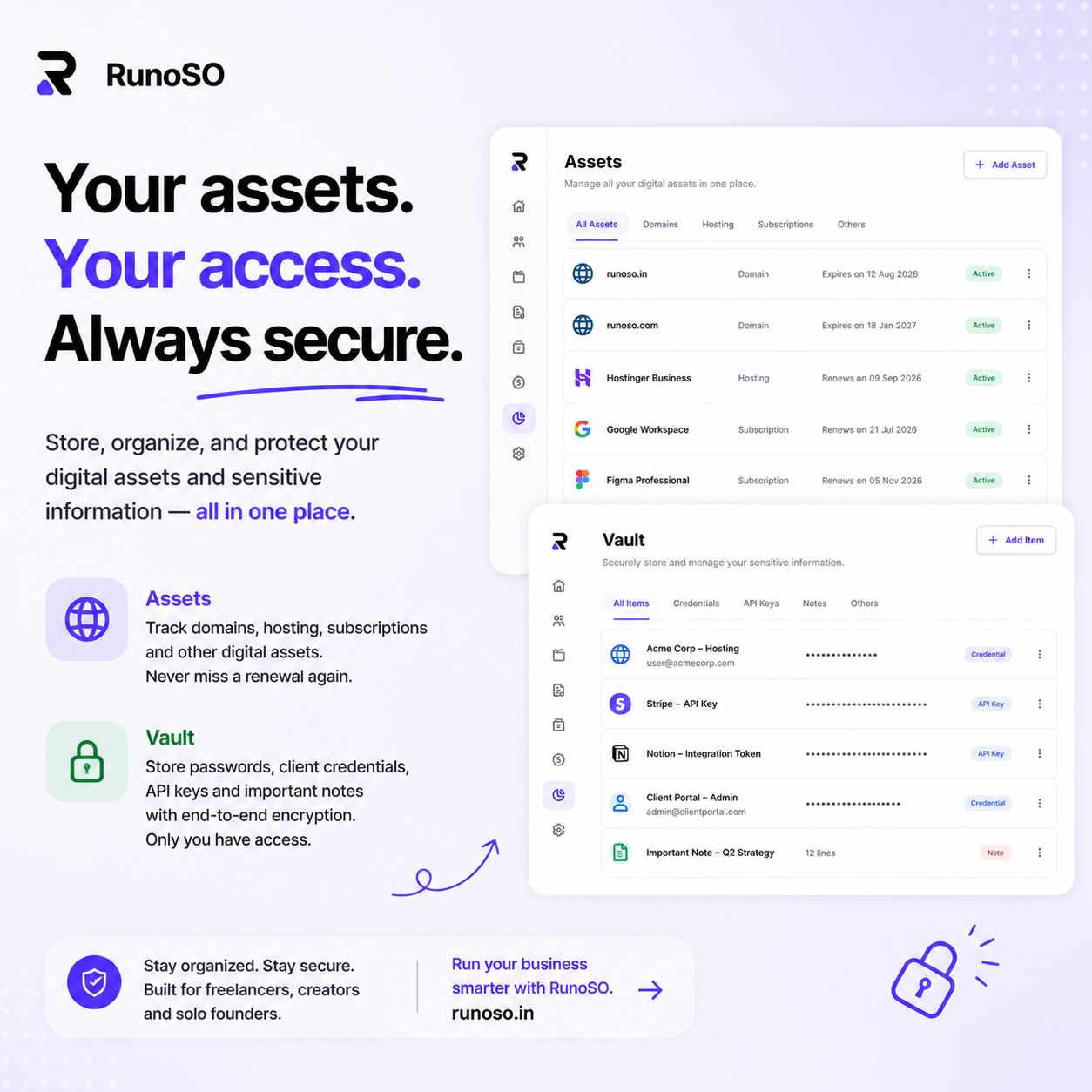
In RunoSO, the Vault stores every password, API key, and server credential with client-side encryption. When you open a client's record, their credentials are right there — securely, instantly, without digging through a flat alphabetical list of 300 entries in a generic password manager.
The Follow-Up System That Actually Works
The biggest revenue leak for freelancers isn't bad pricing or slow delivery — it's failed follow-ups. And the fix is embarrassingly simple: a status-based client view with a weekly review.
Here's how it works:
Step 1: Assign Every Client a Status
- Prospect — Someone you're in conversation with but haven't closed yet.
- Onboarding — Signed, but setup is in progress.
- Active — Currently working together on one or more projects.
- Paused — Not currently working, but the relationship is warm.
- Completed — Project finished, no ongoing engagement.
Step 2: Filter by Status Weekly
During your weekly business review, filter by each status:
- Prospects: Has anyone been sitting at "Prospect" for more than 14 days without a follow-up? Send a check-in.
- Onboarding: Is anyone stuck in onboarding for more than a week? Something is blocking — find out what.
- Active: Is any active project behind schedule? Does any active client have an overdue invoice?
- Paused: Has anyone been paused for more than 60 days? This is the perfect time for a "just checking in" email that can reignite a relationship.
- Completed: Has anyone completed a project in the last 90 days without a referral ask? Now is the time.
This takes 10 minutes. It surfaces every follow-up you'd otherwise forget. And it runs on data in your system, not willpower or memory.
What Not to Do: Common Client Management Mistakes
Mistake #1: Using Email as Your CRM
Email is a communication tool, not a database. It's unsearchable in any structured way, it mixes client messages with newsletters and notifications, and it has no concept of "client status" or "linked projects."
If you "manage" clients through email, you're not managing them. You're reacting to whoever emails you most recently while everyone else fades into the scroll.
Mistake #2: Keeping Separate Client Lists in Different Tools
"My active clients are in Notion. My past clients are in a Google Sheet. My invoicing tool has its own client list. My password manager has another list."
Four lists. Four sources of truth. Zero consistency. When Client X changes their email, you update it in one place and forget the other three. Now you have stale data in three systems, and you won't discover it until something breaks.
One client record. One system. That's the rule.
Mistake #3: Not Recording Context After Calls
You just had a 30-minute call with a client. They mentioned a budget increase, a timeline change, and a preference for a specific design direction. You hang up and immediately start working on the next thing.
Three weeks later, you can't remember any of it.
Write notes immediately after every client interaction. Even two sentences: "Budget increased to ₹1.2L. Wants to prioritize mobile design. Timeline shifted to end of August." This takes 60 seconds and saves you hours of confusion later.
Mistake #4: Treating Client Management as Optional
"I only have five clients — I can keep track of them in my head."
You can. Until you can't. And the transition from "I've got this" to "I've dropped the ball" happens silently, over weeks, with no warning sign until a client emails asking why their invoice was wrong or their domain expired.
Systems aren't for when things are simple. They're insurance for when things get complex — and in freelancing, complexity arrives without announcement.
Putting It All Together
Here's the minimum viable client management system, regardless of what tool you use:
- Create one record per client with contact details, relationship status, and notes
- Link their projects to their record — every scope, deliverable, and deadline
- Link their invoices — every amount, status, and payment date
- Link their credentials — every password, API key, and server detail, stored securely
- Review weekly — 10 minutes filtering by status to surface follow-ups, overdue invoices, and stalled relationships
If you're doing this in a spreadsheet, it works until you hit 8–10 clients. After that, the manual linking breaks down and information starts falling through the gaps.
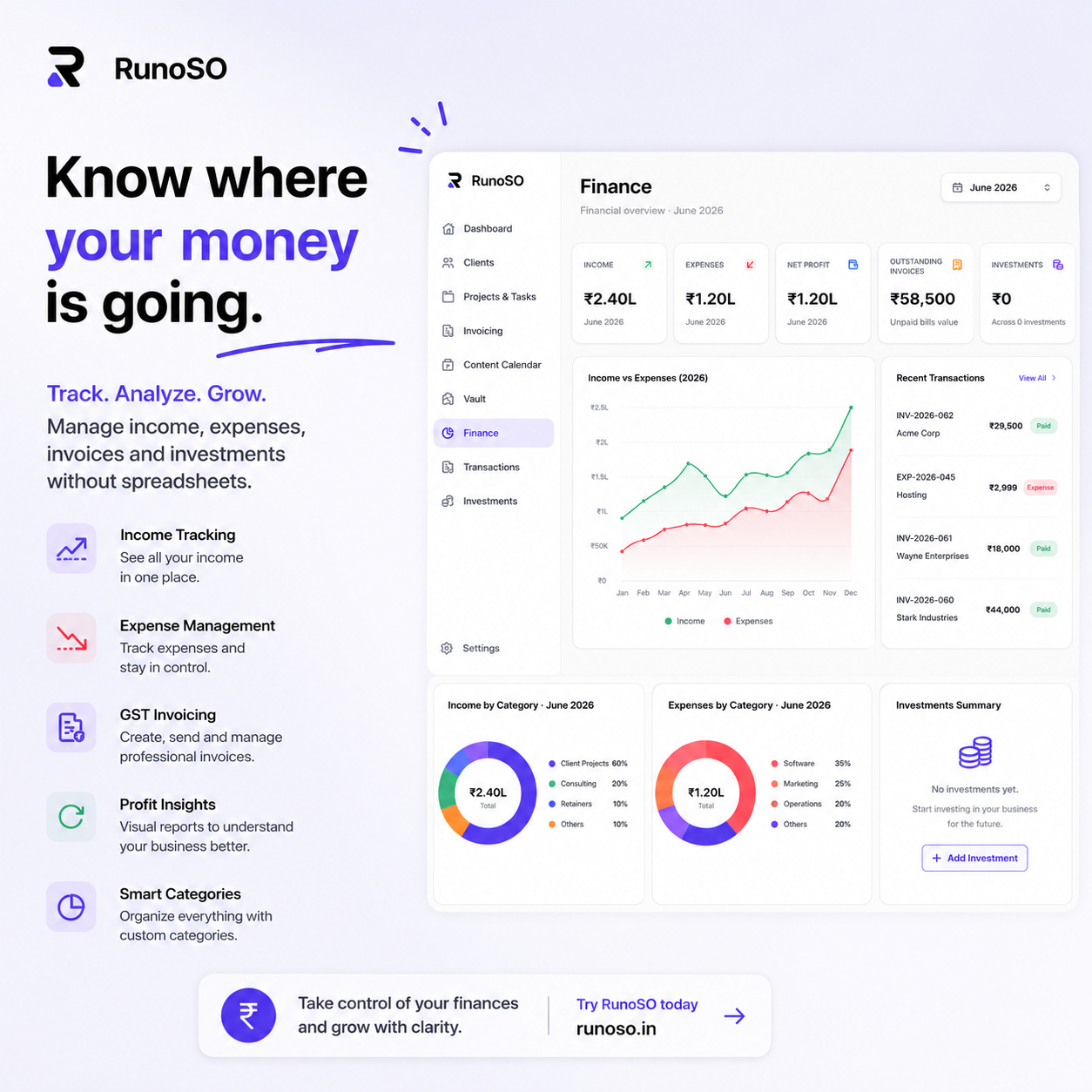
If you want all of this connected from day one — client records linked to projects, invoices, credentials, and financial data in a single view — that's exactly what RunoSO is built for. One client record. Everything connected. Nothing scattered.
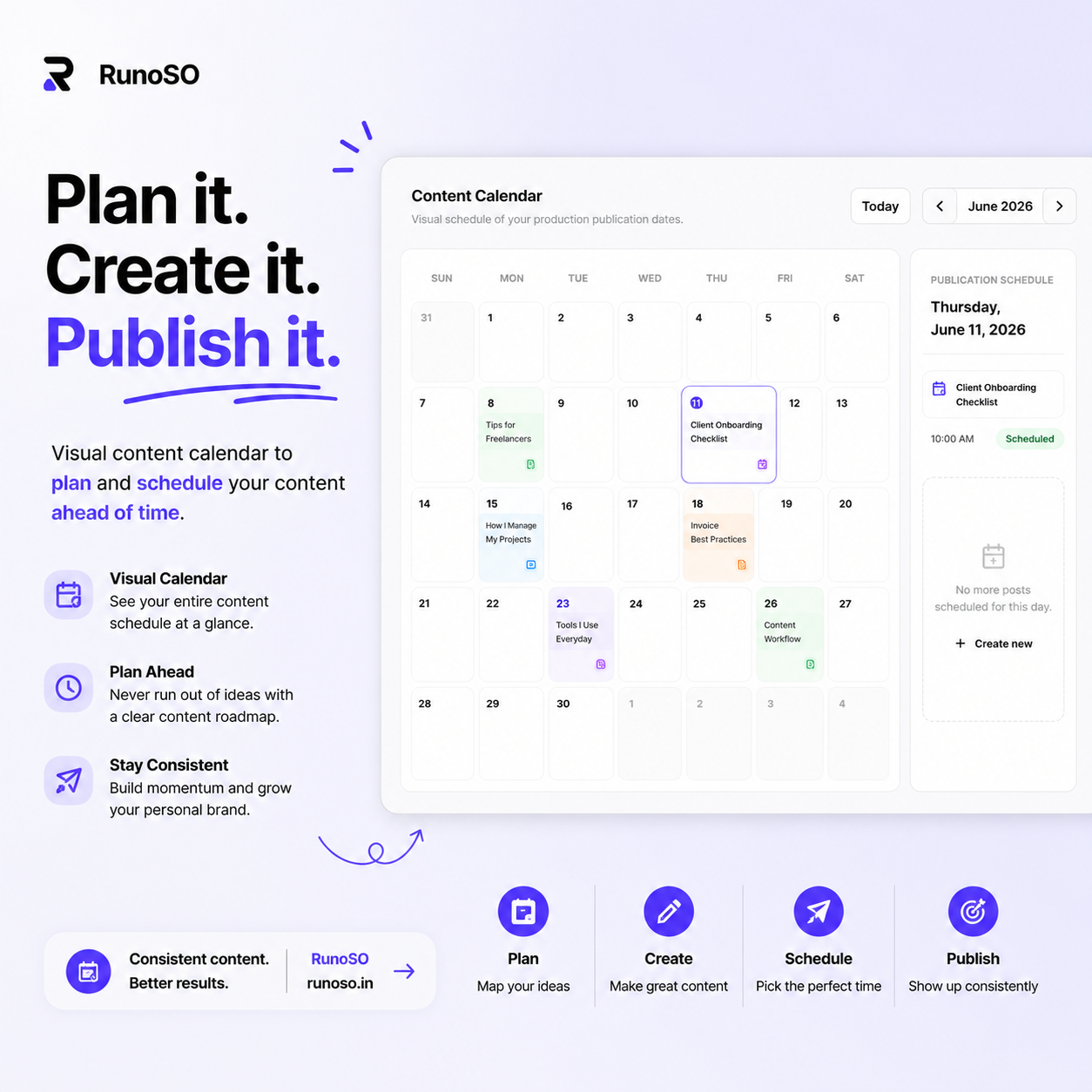
RunoSO is a personal business operating system for freelancers — clients, projects, invoicing, encrypted vault, content pipeline, digital assets, and financial tracking, all connected in a single dashboard.
Stop managing clients through email threads and memory. Build a system.
Building in public and sharing the operational side of freelancing on X (Twitter). Follow if you want the real numbers and real systems behind a one-person business.
Keep Reading
- Organize everything: how to organize your freelance business.
- Follow the money: track income without spreadsheets.
- Secure vault: zero-knowledge credentials vault.