RunoSO - Business OS for Solo Operators LogoRunoSO
FeaturesPricingTemplatesBlogAbout
Sign inStart free
RunoSO LogoRunoSO

Run your solo business. From one place.

Built in India 🇮🇳

Product

FeaturesPricingBlogChangelogRoadmap

Legal

Terms & ConditionsPrivacy PolicyRefund PolicyCookie PolicyData Deletion

Connect

Twitter/XLinkedInInstagramhello@runoso.in
Made by RunoSO
© 2026 RunoSO. All rights reserved.
Back to Blog

Featured Articles

Build in Public

Why I Ditched Notion & Sheets to Build RunoSO

7 min read
Technical Deep-Dive

How I Built a Zero-Knowledge Vault with AES-256

10 min read
Productivity

Best Freelance Tools in 2026 — Honest Stack Review

11 min read
View all posts
  1. Home
  2. Blog
  3. How to Share Client Logins Securely Without Slack
Technical Deep-Dive

How to Share Client Logins Securely Without Slack

By Gautam Parmar11 July 20265 min read
How to Share Client Logins Securely Without Slack — featured image

Storing a password securely then pasting it in email defeats the purpose. Sharing is the weakest link in freelance security and where most leaks happen. This guide compares secure sharing methods — expiring vault links, one-time secrets and audited reveals — and gives you a step-by-step flow that keeps credentials out of chat history forever. Your clients will thank you for the upgrade and your inbox stays clean.

Why Sharing Is the Weak Link

Storing securely then pasting in email undoes protection. Email is plaintext, WhatsApp forwards, Slack retains history. Sharing must be ephemeral and auditable.

Secure Sharing Options

Vault reveal with expiring link, one-time secret via hashed URL, password-protected share with 24-hour expiry, video read-once pattern. Table ranks ease versus security.

MethodExpiryAuditEase
Vault expiring link24hYesHigh
One-time secret siteSingle viewNoMedium
Email / WhatsAppNeverNoLow (risky)

Step-by-Step Flow

Create share link from vault item, set expiry, copy link, send via any channel, recipient opens once, link expires, you get view log. No credential ever lives in chat history.

Client Collaboration Tips

Ask clients to share via same method, do not accept passwords in doc, immediately vault and confirm deletion from their sent folder. Document access in client notes.

RunoSO Approach

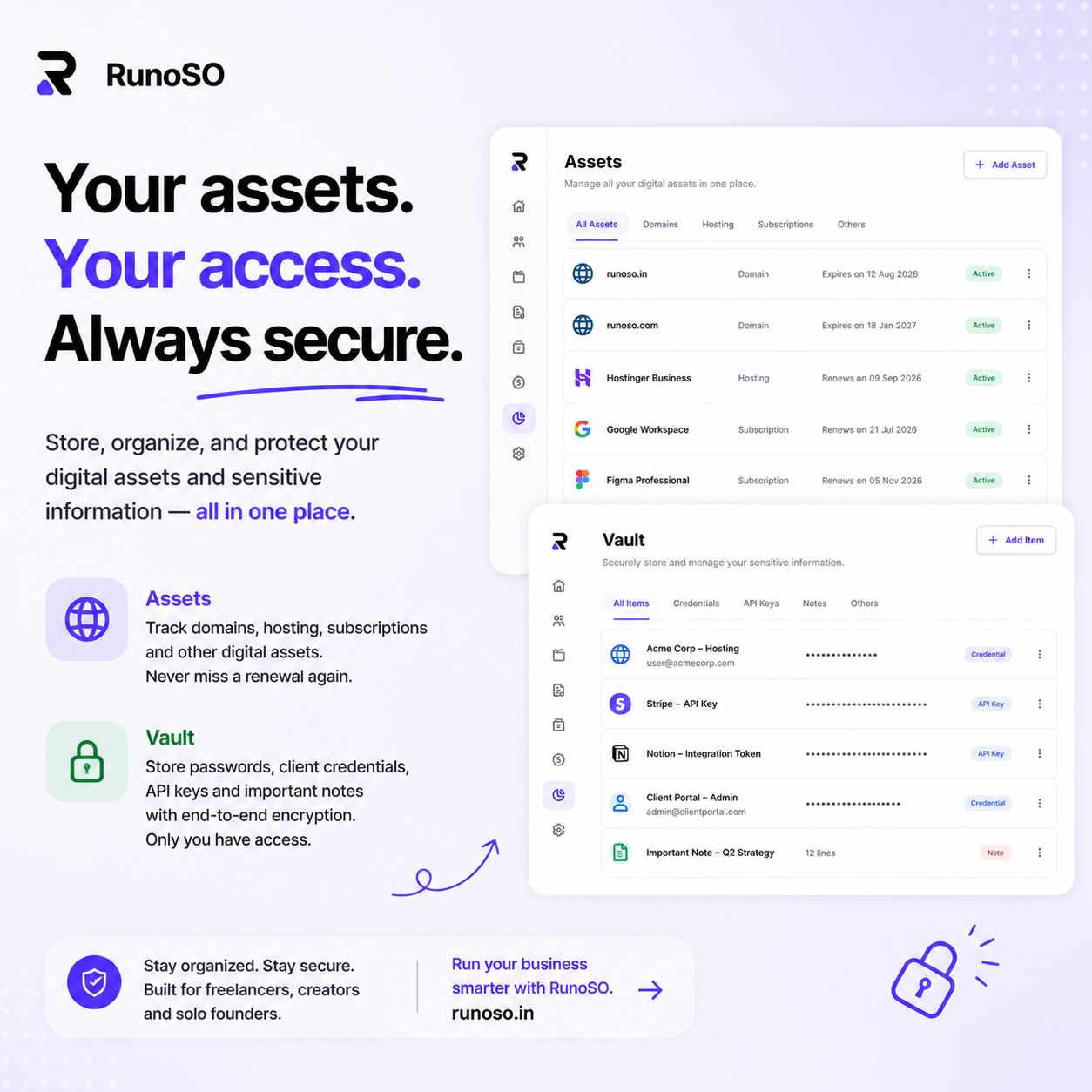
One-click share from vault with auto-expiry — live in RunoSO features. Link sharing to client record so you know who has what when offboarding hits.

Keep Reading

  • How to organize your freelance business
  • Client management for freelancers
  • How freelancers should track income and expenses

Frequently Asked Questions

How do I choose the right system for this topic?

Start with one template and one weekly ritual. Measure for 30 days — if it saves 2 hours weekly, keep it; if not, simplify.

Can I do this with free tools?

You can start free with Sheets and Notion, but linking clients to invoices and vault soon needs a connected OS like RunoSO to avoid duplicate work.

How does RunoSO help here?

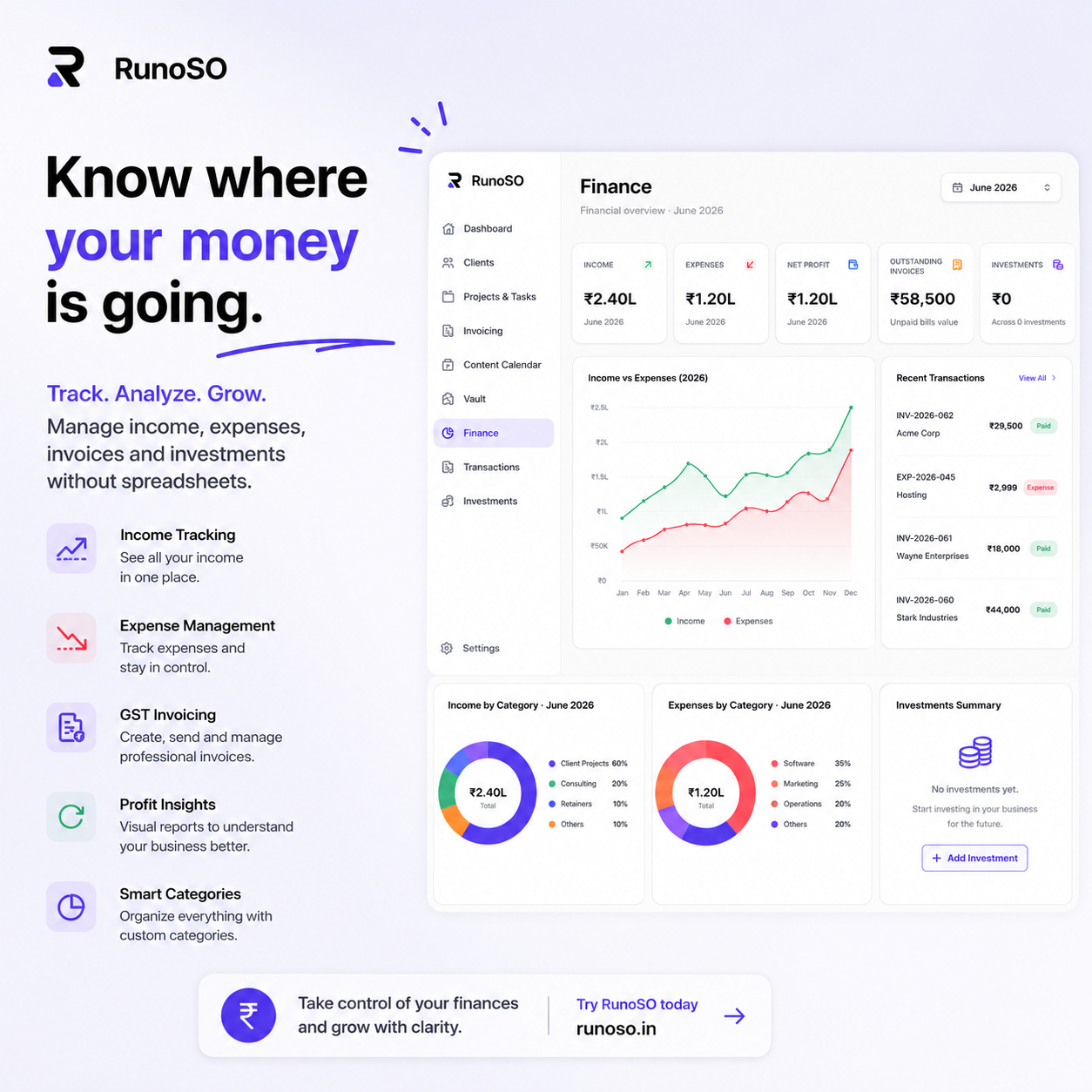
RunoSO links clients, projects, invoices, vault and digital assets in one place with GST-ready invoicing and AES-256 vault — see https://www.runoso.in/features.
Try RunoSO for Free

Manage clients, invoices, vault, content, and finances — all from one beautiful dashboard.

Start free
Meet RunoSO
SaaS
Unified Workspace
Finance & Invoicing
Credentials Vault
Content Pipeline

Unified Workspace

The ultimate command center for solo operators. Replace Notion, Sheets, and password managers.

  • Unified client database
  • Real-time key metrics
  • Intuitive navigation
Start free todayLearn more about RunoSO

Featured Articles

Build in Public

Why I Ditched Notion & Sheets to Build RunoSO

7 min read
Technical Deep-Dive

How I Built a Zero-Knowledge Vault with AES-256

10 min read
Productivity

Best Freelance Tools in 2026 — Honest Stack Review

11 min read
View all posts
Meet RunoSO
SaaS
Unified Workspace
Finance & Invoicing
Credentials Vault
Content Pipeline

Unified Workspace

The ultimate command center for solo operators. Replace Notion, Sheets, and password managers.

  • Unified client database
  • Real-time key metrics
  • Intuitive navigation
Start free todayLearn more about RunoSO

Related Posts

Technical Deep-Dive

How to Offboard a Developer Without Credential Nightmare

Offboard a freelance developer — revoke vault, rotate hosting keys and portal handover without breaking production daily. RunoSO revokes vault and rotates.

Technical Deep-Dive

How to Store .env Files for Freelance Projects Safely

Store .env files for freelance projects — vault categories, per-project scope and rotation cadence without Slack leaks daily. Track in RunoSO with linked cli.