RunoSO - Business OS for Solo Operators LogoRunoSO
FeaturesPricingTemplatesBlogAbout
Sign inStart free
RunoSO LogoRunoSO

Run your solo business. From one place.

Built in India 🇮🇳

Product

FeaturesPricingBlogChangelogRoadmap

Legal

Terms & ConditionsPrivacy PolicyRefund PolicyCookie PolicyData Deletion

Connect

Twitter/XLinkedInInstagramhello@runoso.in
Made by RunoSO
© 2026 RunoSO. All rights reserved.
Back to Blog

Featured Articles

Build in Public

Why I Ditched Notion & Sheets to Build RunoSO

7 min read
Technical Deep-Dive

How I Built a Zero-Knowledge Vault with AES-256

10 min read
Productivity

Best Freelance Tools in 2026 — Honest Stack Review

11 min read
View all posts
  1. Home
  2. Blog
  3. How to Create a Professional Invoice in 60 Seconds
Finance

How to Create a Professional Invoice in 60 Seconds

By Gautam Parmar2 July 20265 min read
How to Create a Professional Invoice in 60 Seconds — featured image

If invoicing takes longer than delivering value, your system is broken. Professional invoices should be boring — correct, branded and fast — so you can return to billable work. This 60-second workflow shows how to set up business details once, select a client, add line items with GST auto-calculation and export a polished PDF before your coffee cools. It is GST-compliant, sequential and linked to your income tracking without spreadsheets.

The 90-Second Invoicing Target

Invoicing should be admin, not project. If it takes over 3 minutes you will postpone it and cash flow slips. Target is open, select client, confirm tax, export PDF.

Setup You Do Once

Add business profile, default tax rate 18 percent, invoice prefix, terms, digital signature and logo. Verify state for CGST logic. This one-time setup saves hours monthly.

60-Second Workflow

Step 1 select client auto-fills GSTIN, Step 2 add project, Step 3 add line items, Step 4 confirm place of supply, Step 5 generate sequential number, Step 6 export PDF. Table with timings.

Avoid Common Invoicing Mistakes

Duplicate numbers, wrong GSTIN digit, missing SAC, IGST versus CGST error, sending as editable doc. Each breaks trust or compliance. Checklist before send.

Track Status After Sending

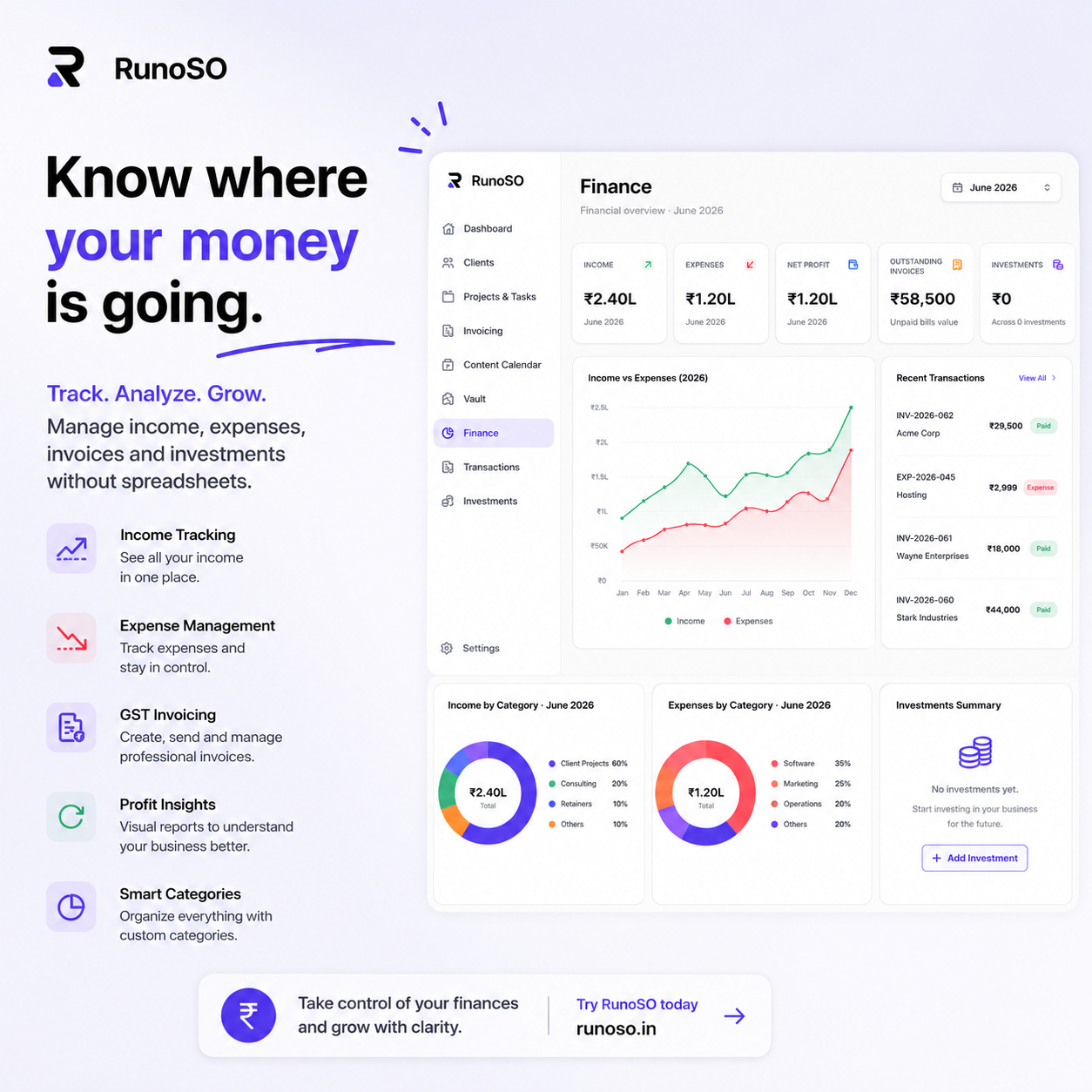
Draft Sent Paid Overdue view with reminders at 7 and 14 days. Link invoices to finance tracking so income dashboard updates automatically.

Extra Tips to Compound Results

StepActionTimeTool
1Select client10sRunoSO CRM
2Add line items + SAC20sAuto tax
3Confirm place of supply10sAuto IGST/CGST
4Export branded PDF20sjsPDF

Keep Reading

  • How to organize your freelance business
  • Client management for freelancers
  • How freelancers should track income and expenses

Frequently Asked Questions

How do I choose the right system for this topic?

Start with one template and one weekly ritual. Measure for 30 days — if it saves 2 hours weekly, keep it; if not, simplify.

Can I do this with free tools?

You can start free with Sheets and Notion, but linking clients to invoices and vault soon needs a connected OS like RunoSO to avoid duplicate work.

How does RunoSO help here?

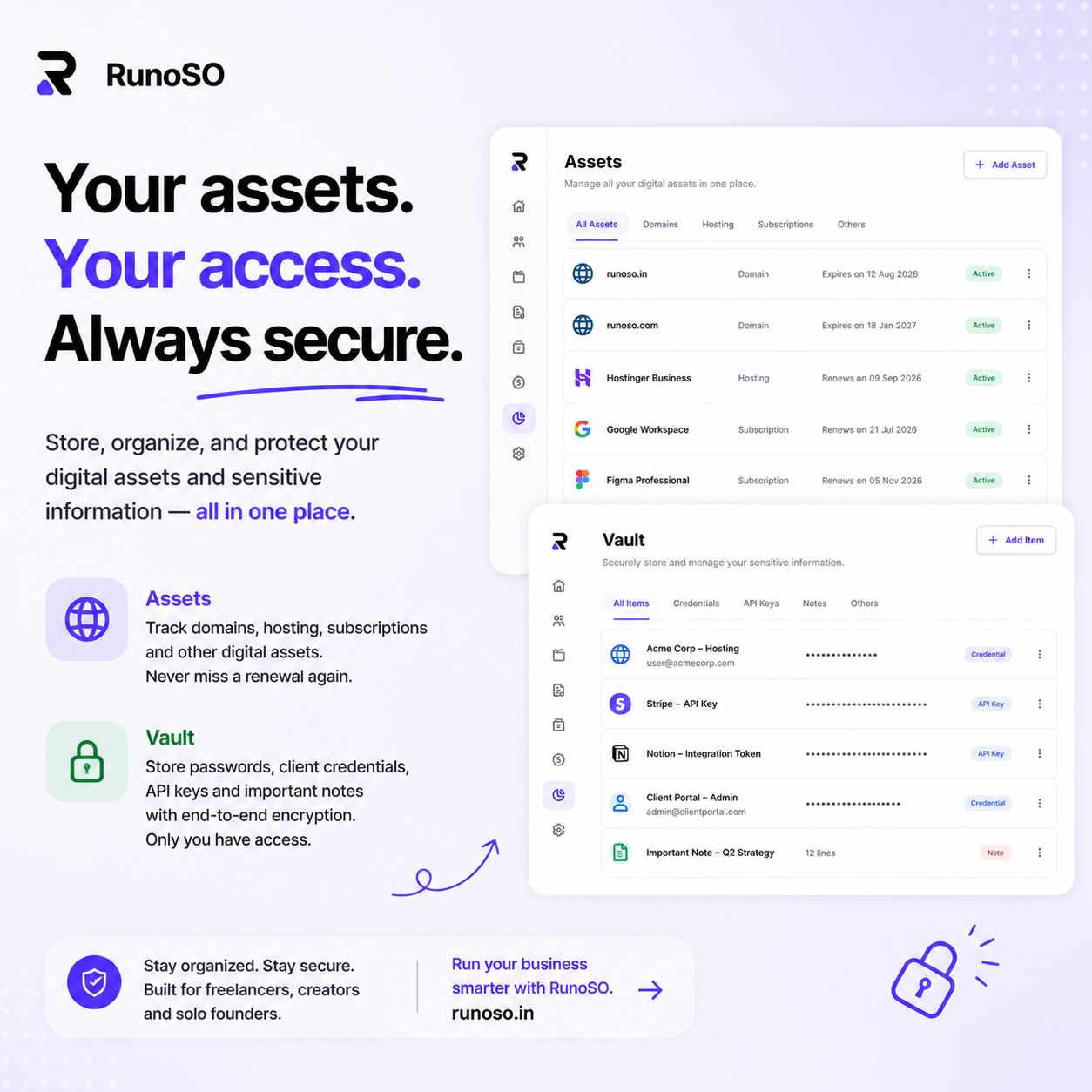
RunoSO links clients, projects, invoices, vault and digital assets in one place with GST-ready invoicing and AES-256 vault — see https://www.runoso.in/features.

Try RunoSO for Free

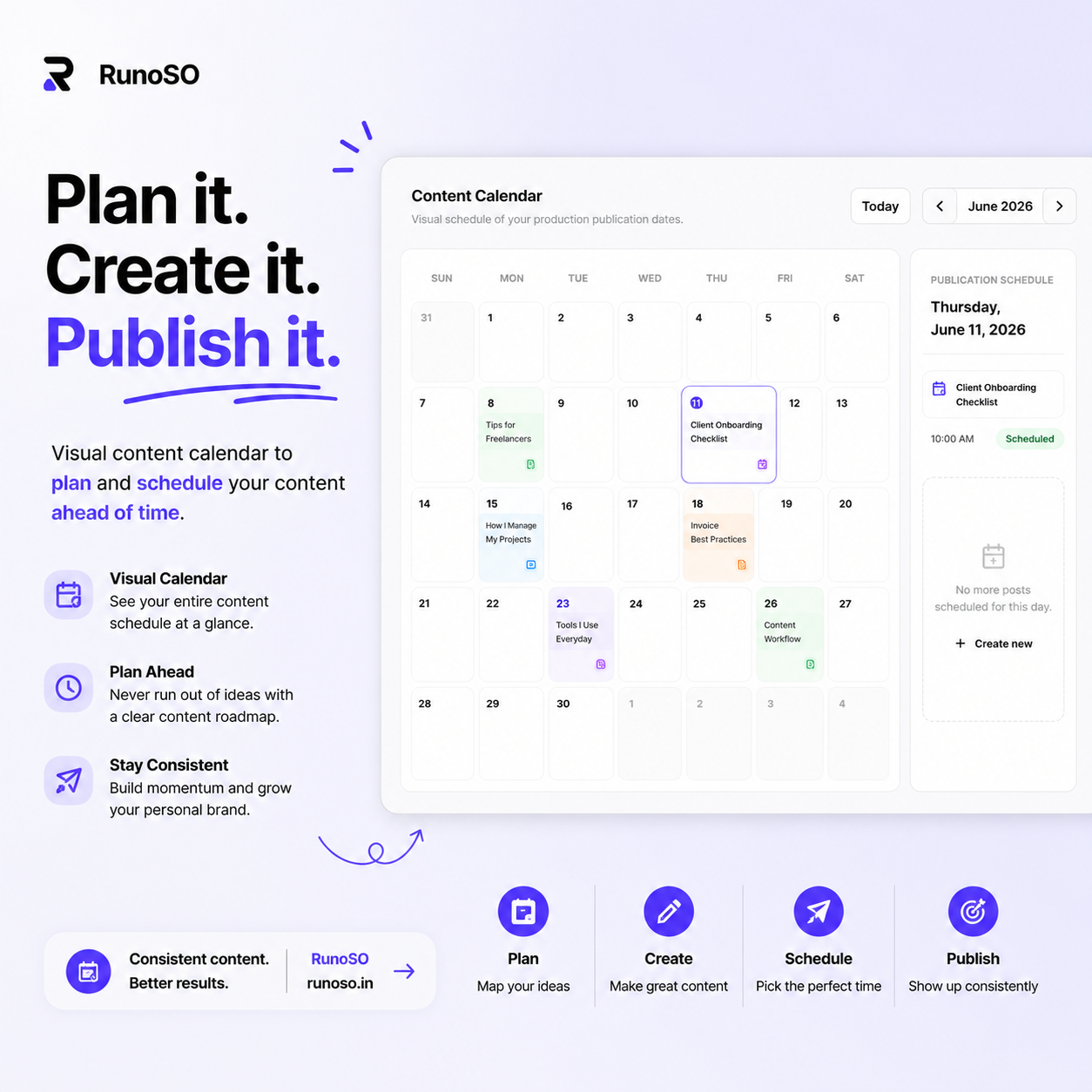
Manage clients, invoices, vault, content, and finances — all from one beautiful dashboard.

Start free
Meet RunoSO
SaaS
Unified Workspace
Finance & Invoicing
Credentials Vault
Content Pipeline

Unified Workspace

The ultimate command center for solo operators. Replace Notion, Sheets, and password managers.

  • Unified client database
  • Real-time key metrics
  • Intuitive navigation
Start free todayLearn more about RunoSO

Featured Articles

Build in Public

Why I Ditched Notion & Sheets to Build RunoSO

7 min read
Technical Deep-Dive

How I Built a Zero-Knowledge Vault with AES-256

10 min read
Productivity

Best Freelance Tools in 2026 — Honest Stack Review

11 min read
View all posts
Meet RunoSO
SaaS
Unified Workspace
Finance & Invoicing
Credentials Vault
Content Pipeline

Unified Workspace

The ultimate command center for solo operators. Replace Notion, Sheets, and password managers.

  • Unified client database
  • Real-time key metrics
  • Intuitive navigation
Start free todayLearn more about RunoSO

Related Posts

Finance

How to Invoice International Clients from India Compliantly

Invoice international clients from India — LUT, FIRC, USD quote and IGST handling linked to transactions cleanly daily. Track in RunoSO with linked clients,.

Finance

Freelance Health Insurance & GST: What’s Deductible

Health insurance for freelancers — 80D, GST input and category mapping so premium doesn’t hide in misc expenses yearly. Track in RunoSO with linked clients,.