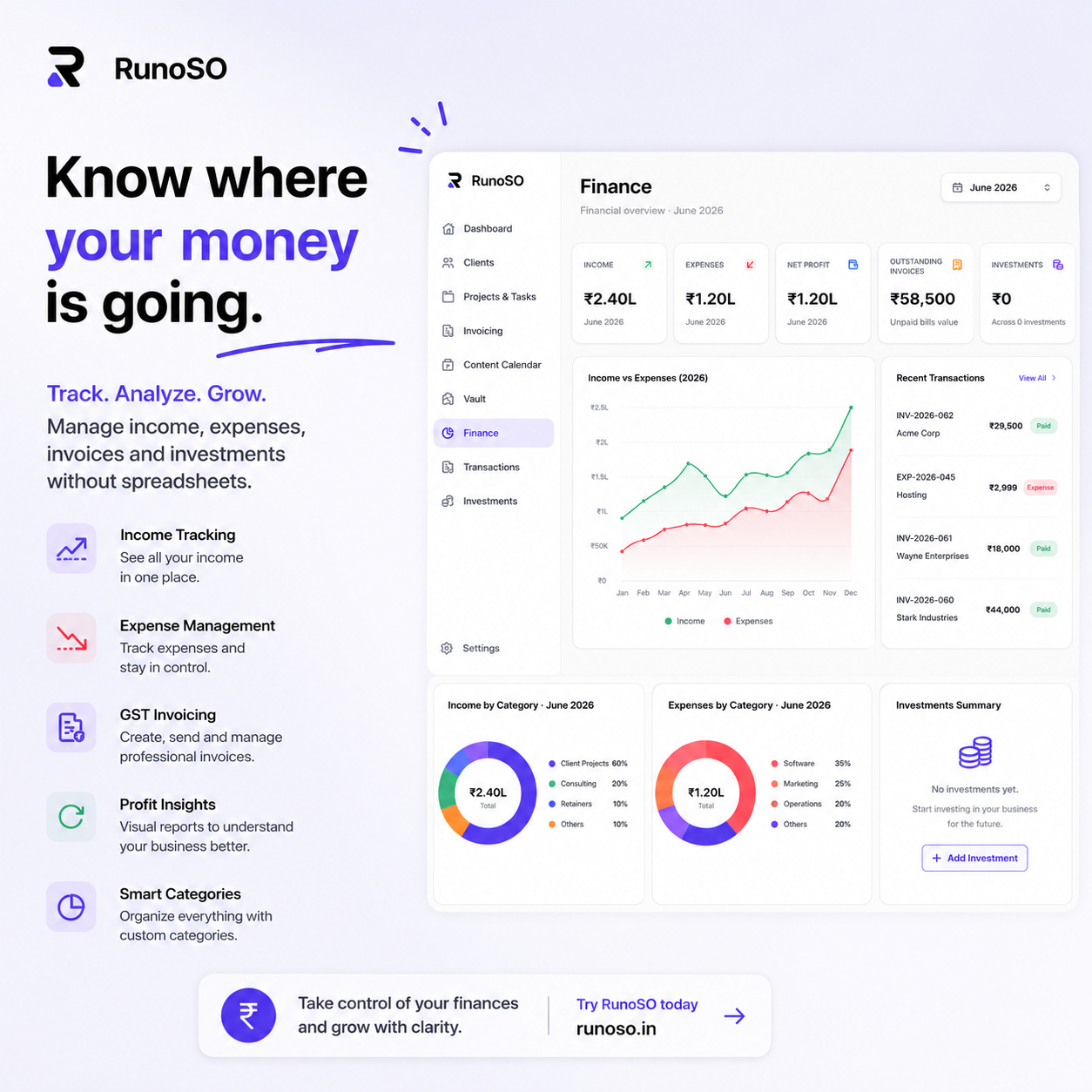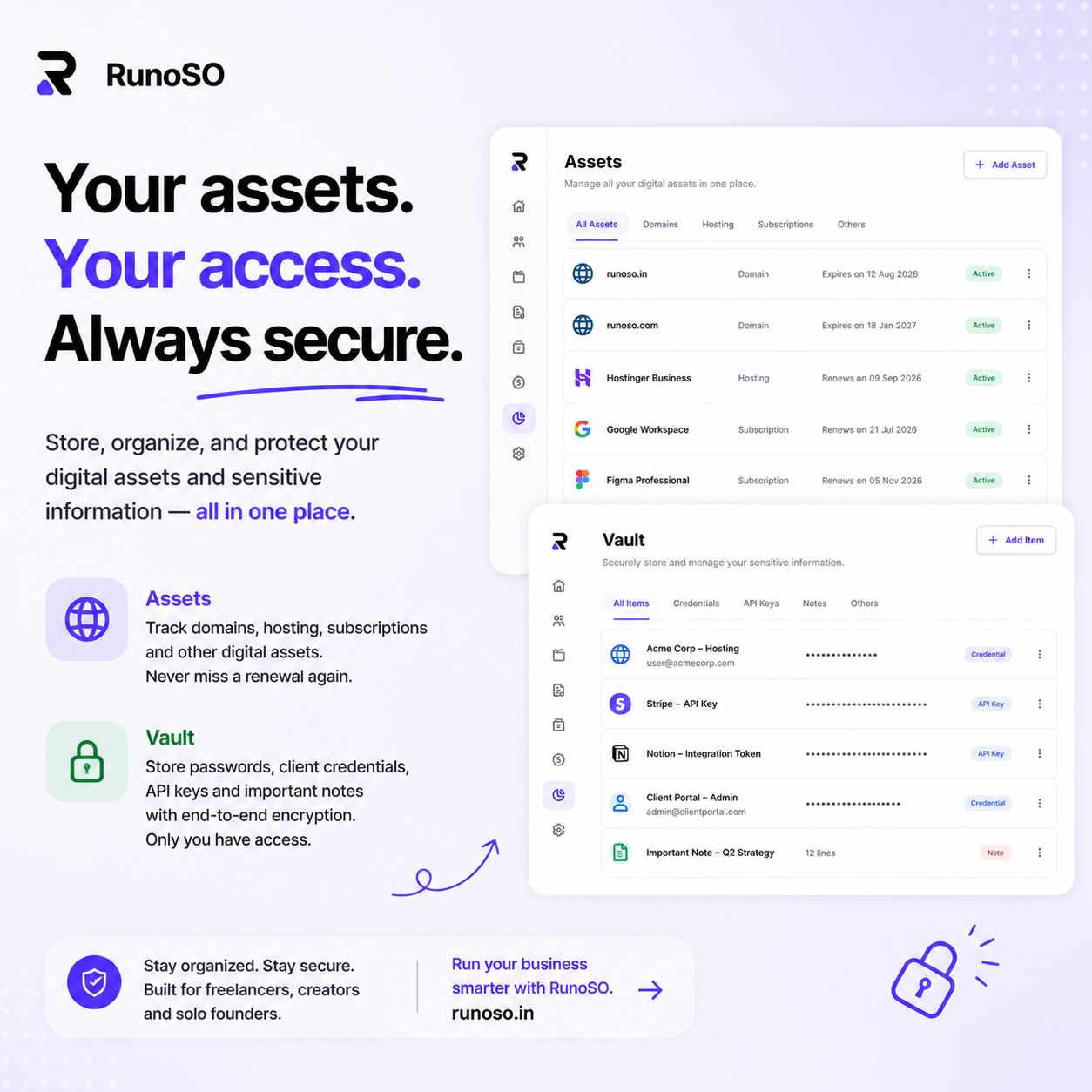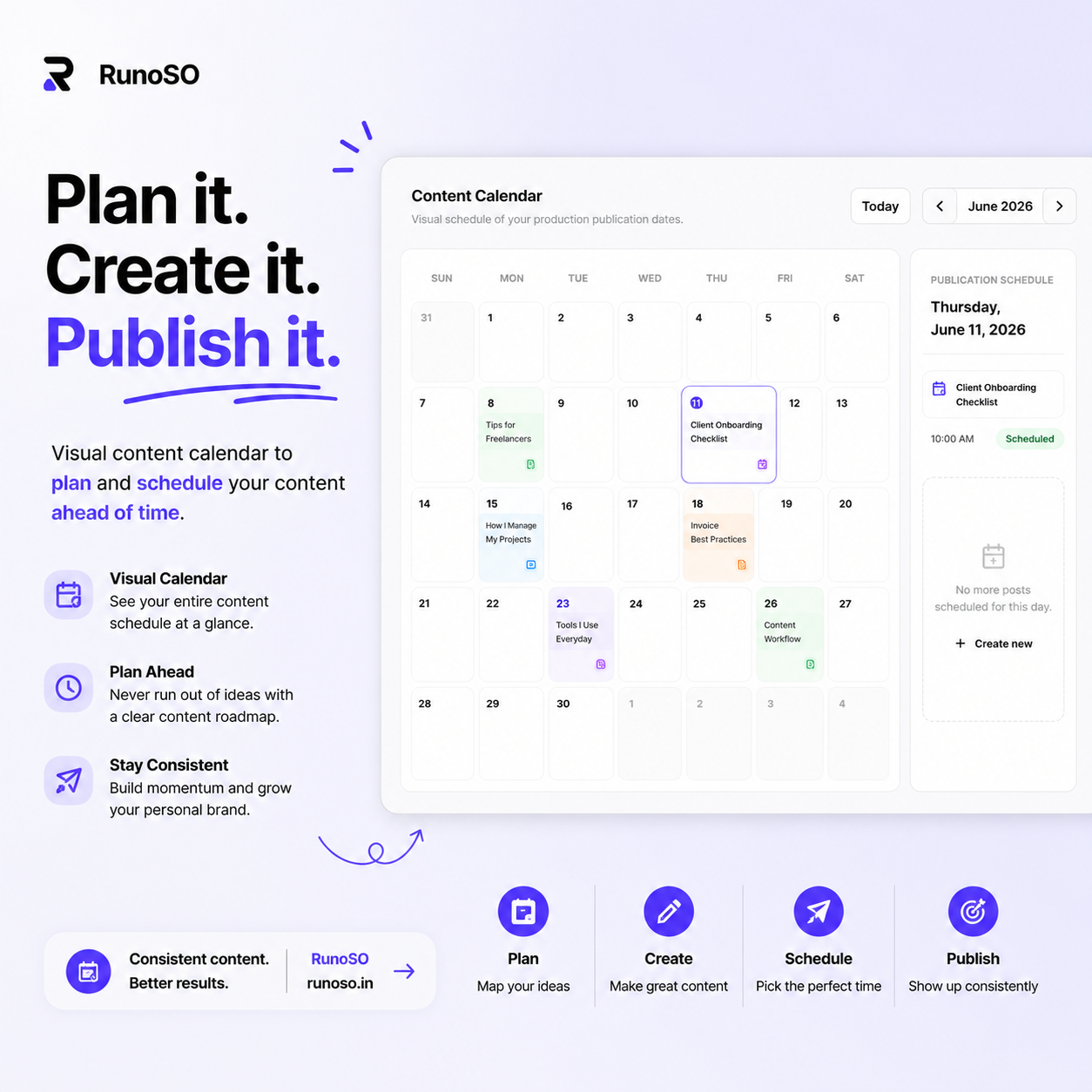
When I first started building RunoSO, I had a 3-table database: users, clients, and projects. Six months later, I had 26 tables, complex foreign key relationships, and a schema that powers everything from Kanban boards to encrypted credential vaults to Stripe subscription tracking.
This article is a complete walkthrough of how I designed the database architecture — the decisions I made, the mistakes I avoided, and the patterns that scaled.
The Core Design Principle: Everything Links to Everything
In most SaaS apps, entities are siloed. Your CRM has clients. Your project management tool has projects. Your invoicing app has invoices. They don't know about each other.
In RunoSO, the fundamental insight was: for a solo operator, all business data is interconnected. A client has projects. Projects have tasks. Tasks generate invoices. Invoices record transactions. Clients have credentials in the vault. Credentials link to hosting servers. Servers link to domains.
If you model these as disconnected tables, you lose the compounding value of connected data. So I designed the schema as a relational graph where the client is the primary hub.
                        ┌──────────────┐
                        │    users     │
                        └──────┬───────┘
                               │ (one-to-many)
              ┌────────────────┼────────────────┐
              │                │                │
      ┌───────▼──────┐ ┌──────▼───────┐ ┌──────▼───────┐
      │   clients    │ │personal_tasks│ │  settings    │
      └───────┬──────┘ └──────────────┘ └──────────────┘
              │
    ┌─────────┼──────────┬──────────────┬──────────────┐
    │         │          │              │              │
┌───▼───┐ ┌──▼───┐ ┌────▼─────┐ ┌─────▼─────┐ ┌─────▼──────┐
│projects│ │vault │ │invoices  │ │transactions│ │content_items│
└───┬───┘ │items │ └──────────┘ └───────────┘ └────────────┘
    │     └──────┘
┌───▼───┐
│ tasks │
└───────┘
The Schema Breakdown
Let me walk through the key tables and the reasoning behind each design decision.
1. Users Table — The Root
export const users = pgTable('users', {
  id: text('id').primaryKey().$defaultFn(() => nanoid()),
  name: text('name'),
  email: text('email').notNull().unique(),
  hashedPassword: text('hashed_password').notNull(),
  plan: text('plan').default('free'),           // 'free' | 'solo' | 'pro'
  stripeCustomerId: text('stripe_customer_id'),
  createdAt: timestamp('created_at').defaultNow(),
  updatedAt: timestamp('updated_at').defaultNow(),
});
Design decisions:
textIDs withnanoid(): I chose nanoid-generated string IDs over auto-incrementing integers. They're URL-safe, non-sequential (harder to enumerate), and work well with distributed systems.planas a simple text column: Instead of a complex role/permission system, I store the plan name directly. Plan limits are enforced at the API layer, not the database layer.stripeCustomerId: Links to Stripe for subscription management. This avoids a separate "billing" table for the user-to-Stripe mapping.
2. Clients — The Hub Node
export const clients = pgTable('clients', {
  id: text('id').primaryKey().$defaultFn(() => nanoid()),
  userId: text('user_id').notNull().references(() => users.id),
  name: text('name').notNull(),
  email: text('email'),
  phone: text('phone'),
  company: text('company'),
  status: text('status').default('active'),     // 'active' | 'inactive' | 'lead'
  notes: text('notes'),
  createdAt: timestamp('created_at').defaultNow(),
  updatedAt: timestamp('updated_at').defaultNow(),
});
Why status matters:
The status field (active, inactive, lead) serves multiple purposes:
- Dashboard filtering: Show only active clients on the main dashboard, but keep historical data for inactive ones.
- Pipeline management: Leads are potential clients who haven't converted yet. This turns the client list into a lightweight CRM funnel.
- Usage counting: Plan limits count only "active" clients, not archived ones. A solo user can have 100 inactive clients but only 10 active ones within their plan limit.
3. Projects — Linking Work to Clients
export const projects = pgTable('projects', {
  id: text('id').primaryKey().$defaultFn(() => nanoid()),
  userId: text('user_id').notNull().references(() => users.id),
  clientId: text('client_id').references(() => clients.id),
  name: text('name').notNull(),
  type: text('type').default('dev'),            // 'dev' | 'content' | 'design' | 'other'
  status: text('status').default('active'),
  budget: integer('budget'),
  advanceReceived: integer('advance_received').default(0),
  deadline: timestamp('deadline'),
  githubUrl: text('github_url'),
  notes: text('notes'),
  createdAt: timestamp('created_at').defaultNow(),
  updatedAt: timestamp('updated_at').defaultNow(),
});
Key decisions:
- Optional
clientId: Some projects aren't client work — they're personal projects or internal tools. MakingclientIdnullable supports both use cases. budgetandadvanceReceivedas integers: Stored in the smallest currency unit (paise for INR, cents for USD) to avoid floating-point precision issues. A budget of ₹50,000 is stored as5000000(paise). The frontend formats this for display.githubUrl: A simple text field linking to the repo. I considered a formal relationship toassets_github, but that added complexity without meaningful benefit. Sometimes a simple URL is better than a foreign key.
4. Tasks — Two Systems, One Pattern
I have two separate task tables: tasks (project tasks) and personal_tasks (daily standalone tasks). Here's why:
// Project tasks — linked to projects
export const tasks = pgTable('tasks', {
  id: text('id').primaryKey().$defaultFn(() => nanoid()),
  userId: text('user_id').notNull().references(() => users.id),
  projectId: text('project_id').notNull().references(() => projects.id),
  title: text('title').notNull(),
  status: text('status').default('todo'),       // 'todo' | 'in_progress' | 'done'
  priority: text('priority').default('medium'),  // 'low' | 'medium' | 'high'
  // ...timestamps
});

// Personal tasks — standalone daily tasks
export const personalTasks = pgTable('personal_tasks', {
  id: text('id').primaryKey().$defaultFn(() => nanoid()),
  userId: text('user_id').notNull().references(() => users.id),
  title: text('title').notNull(),
  completed: boolean('completed').default(false),
  isToday: boolean('is_today').default(false),   // Today vs Backlog
  category: text('category').default('work'),    // 'work' | 'personal' | 'finance' | ...
  priority: text('priority').default('medium'),
  // ...timestamps
});
Why two tables instead of one?
I initially tried a single tasks table with an optional projectId. It got messy fast:
- Project tasks use Kanban statuses (
todo/in_progress/done). Personal tasks use a binarycompletedboolean. - Personal tasks have a
isToday/Backlogconcept that doesn't exist for project tasks. - Personal tasks have
category(work, personal, finance). Project tasks inherit their category from the project type.
Different query patterns, different UI, different behavior. Two tables keep both clean.
5. Invoices — Complex But Worth It
export const invoices = pgTable('invoices', {
  id: text('id').primaryKey().$defaultFn(() => nanoid()),
  userId: text('user_id').notNull().references(() => users.id),
  clientId: text('client_id').references(() => clients.id),
  projectId: text('project_id').references(() => projects.id),
  invoiceNumber: text('invoice_number').notNull(),
  status: text('status').default('draft'),       // 'draft' | 'sent' | 'paid' | 'overdue'
  issueDate: timestamp('issue_date').defaultNow(),
  dueDate: timestamp('due_date'),
  lineItems: jsonb('line_items'),                // JSON array of line items
  subtotal: integer('subtotal'),
  taxRate: real('tax_rate'),
  taxAmount: integer('tax_amount'),
  total: integer('total'),
  notes: text('notes'),
  // ...timestamps
});
The lineItems as JSONB decision:
This was a deliberate tradeoff. I could have created a separate invoice_line_items table with a foreign key back to invoices. But:
- Line items are always fetched with their parent invoice — never independently.
- I never need to query "all line items across all invoices."
- JSONB keeps the invoice self-contained, making PDF generation simpler (one query, all data).
The JSON structure:
[
  {
    "description": "Frontend Development - Dashboard Module",
    "quantity": 40,
    "rate": 2500,
    "amount": 100000
  },
  {
    "description": "API Integration - Payment Gateway",
    "quantity": 16,
    "rate": 3000,
    "amount": 48000
  }
]
When to use JSONB vs. a related table:
| Use JSONB when... | Use a related table when... |
|---|---|
| Data is always read with the parent | Data is queried independently |
| The structure is simple and stable | The structure is complex or evolving |
| You don't need to join/aggregate across items | You need cross-record analytics |
| Write-once, rarely updated | Frequently updated individually |
6. The Vault — Encrypted at the Application Layer
export const vaultItems = pgTable('vault_items', {
  id: text('id').primaryKey().$defaultFn(() => nanoid()),
  userId: text('user_id').notNull().references(() => users.id),
  name: text('name').notNull(),
  category: text('category').notNull(),          // 'passwords' | 'servers' | 'api_keys' | 'other'
  encryptedValue: text('encrypted_value').notNull(),
  notes: text('notes'),
  url: text('url'),
  clientId: text('client_id').references(() => clients.id),
  projectId: text('project_id').references(() => projects.id),
  // ...timestamps
});
I covered the encryption architecture in depth in the Vault deep-dive article. The key database decision here: encryptedValue is a text column storing base64-encoded AES ciphertext. It's treated as an opaque blob by the database.
7. Digital Assets — Six Tables, One Concept
// Each asset type gets its own table
export const assetsDomains = pgTable('assets_domains', { /* ... */ });
export const assetsCloudflare = pgTable('assets_cloudflare', { /* ... */ });
export const assetsGithub = pgTable('assets_github', { /* ... */ });
export const assetsHosting = pgTable('assets_hosting', { /* ... */ });
export const assetsSocial = pgTable('assets_social', { /* ... */ });
export const assetsSubscriptions = pgTable('assets_subscriptions', { /* ... */ });
Why six separate tables instead of one polymorphic assets table?
I seriously considered a single assets table with a type discriminator and a metadata JSONB column. The problem:
- Each asset type has completely different fields. A domain has
registrar,expiryDate,dnsProvider. A hosting server hasipAddress,provider,monthlyCost. They share almost no columns. - A polymorphic table would mean 80% of columns are NULL for any given row.
- Type-safe queries with Drizzle ORM are much easier with dedicated tables. TypeScript knows exactly what fields exist.
The tradeoff is more tables in the schema, but each table is clean, well-typed, and efficient.
Multi-Tenancy: Row-Level Isolation
RunoSO uses row-level multi-tenancy. Every table has a userId column, and every query filters by the authenticated user's ID:
// Every query follows this pattern
const clients = await db.query.clients.findMany({
  where: eq(clients.userId, session.user.id),
});
This is the simplest multi-tenancy model, appropriate for RunoSO's scale (individual users with modest data volumes). The alternatives — schema-per-tenant or database-per-tenant — are overkill for this use case and add significant operational complexity.
Important: I don't rely on application code alone for isolation. I also use Drizzle's query builder to enforce the userId filter at the query construction level, making it harder to accidentally write a query that leaks data across users.
Plan-Based Usage Limits
RunoSO has three plans: Free, Solo, and Pro. Each has resource limits:
| Resource | Free | Solo | Pro |
|---|---|---|---|
| Active Clients | 3 | 15 | Unlimited |
| Projects | 5 | 50 | Unlimited |
| Invoices/month | 5 | 30 | Unlimited |
| Vault Items | 10 | 100 | Unlimited |
These limits are enforced at the API layer, not the database layer. Before creating a new client, the API checks:
// Simplified limit check
const activeClientCount = await db
  .select({ count: count() })
  .from(clients)
  .where(and(
    eq(clients.userId, session.user.id),
    eq(clients.status, 'active')
  ));

const limit = PLAN_LIMITS[user.plan].clients;

if (limit !== -1 && activeClientCount >= limit) {
  return NextResponse.json(
    { error: 'Plan limit reached. Upgrade to add more clients.' },
    { status: 403 }
  );
}
Usage Counter Table
For resources that need monthly tracking (like invoices), I maintain a usage_counters table:
export const usageCounters = pgTable('usage_counters', {
  id: text('id').primaryKey().$defaultFn(() => nanoid()),
  userId: text('user_id').notNull().references(() => users.id),
  resource: text('resource').notNull(),        // 'invoices' | 'vault_items' | ...
  periodStart: timestamp('period_start').notNull(),
  periodEnd: timestamp('period_end').notNull(),
  count: integer('count').default(0),
});
This lets me track "invoices created this billing cycle" without scanning the entire invoices table every time.
Cascading Deletes: Be Careful
When a client is deleted, what happens to their projects, invoices, tasks, and vault items? This is one of the most consequential decisions in relational schema design.
My approach:
| Relationship | On Delete |
|---|---|
| Client → Projects | SET NULL (projects become "unlinked" but survive) |
| Client → Invoices | SET NULL (invoices are financial records — never auto-delete) |
| Client → Vault Items | SET NULL (credentials may be needed for other work) |
| Project → Tasks | CASCADE (tasks are meaningless without their project) |
| User → Everything | CASCADE (account deletion removes all data) |
The philosophy: financial records and credentials are never automatically deleted. They may need to persist for accounting, audits, or future reference. Only truly dependent data (like tasks within a project) cascades.
Migration Strategy with Drizzle
I use Drizzle Kit for schema management:
# Push schema changes directly to the database (development)
npm run db:push

# Generate migration files (production)
npx drizzle-kit generate
For development, db:push is fast and frictionless — it diffs the TypeScript schema against the live database and applies changes. For production, I generate migration SQL files that can be reviewed and applied manually.
Lessons Learned
1. Start With the Relationships, Not the Tables
Don't think "what tables do I need?" Think "what are the relationships between my business entities?" The tables will emerge naturally.
2. Text IDs > Integer IDs (For This Use Case)
Nanoid strings are URL-safe, non-sequential, and work across distributed systems. The performance difference from integer IDs is negligible at RunoSO's scale.
3. JSONB Is Your Friend (In Moderation)
Use it for embedded, read-with-parent data (like invoice line items). Don't use it for data you need to query independently.
4. Enforce Isolation at the Query Level
Never trust application logic alone for multi-tenancy. Every query should include the userId filter. Consider database-level Row Level Security (RLS) for defense in depth.
5. Schema Design Is Product Design
The database schema directly shapes what features are possible and how they feel. A schema that connects clients → projects → tasks → invoices enables a seamless UX. A disconnected schema creates a disconnected product.
RunoSO's 26-table schema powers a unified workspace for freelancers and agencies. Everything connected. Nothing lost.
Have questions about database architecture for SaaS? Drop me a message on X (Twitter).
Keep Reading
- How that schema powers the zero-knowledge vault.
- Explore the full feature set or try RunoSO pricing.
- For freelancers: how to organize your business.